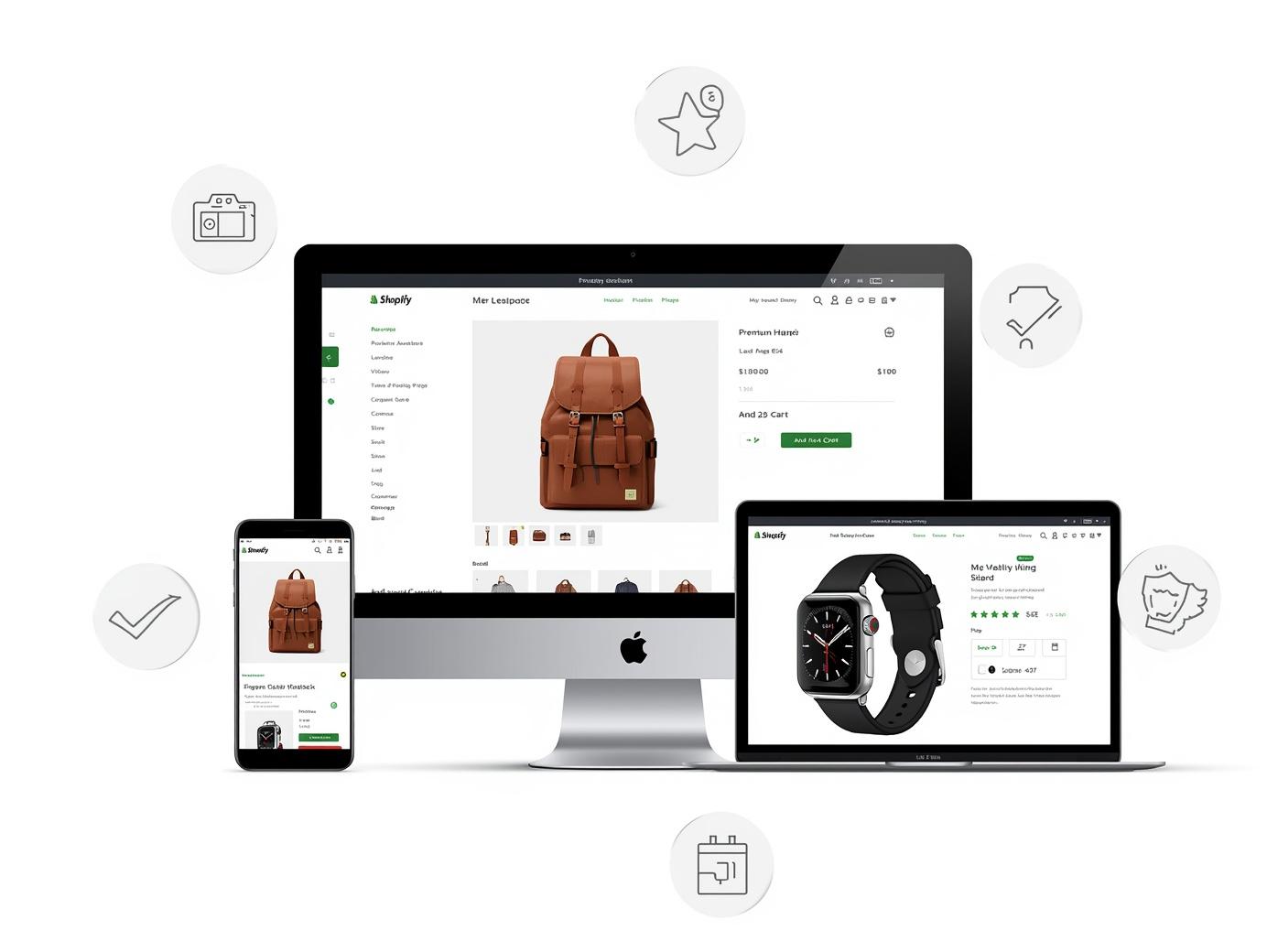
Shopify Product Page Optimization Guide
Boost Shopify sales with optimized product descriptions, images, reviews, and trust signals.
Optimize your Shopify product pages with this high-converting checklist to increase sales and improve customer experience.
Shopify Product Page Optimization Checklist
Your Shopify product page is the most critical page on your entire site. It's where browsers become buyers, where interest transforms into revenue. Yet many Shopify store owners treat product pages as an afterthought, using default themes and manufacturer descriptions. This comprehensive checklist will guide you through every element of product page optimization, helping you create pages that convert visitors into customers consistently.
Above the Fold: Making Every Pixel Count
What visitors see without scrolling determines whether they stay or leave. Your above-the-fold content must capture attention and communicate value instantly:
High-Quality Hero Image
Your main product image should be professional, well-lit, and show the product clearly. Use zoom functionality so customers can examine details. Consider 3D spins or 360-degree views for products where detail matters.
Compelling Headline
Your product title should include key information—brand, product name, and primary benefit. For example, instead of "Men's Running Shoes," use "Men's Ultra-Light Running Shoes with Cushioned Support."
Clear Pricing Display
Show the price prominently, including any discounts. If you offer subscription options, display the subscription price alongside the one-time price to highlight savings.
Prominent Add to Cart Button
Your add-to-cart button should be a contrasting color, large enough to tap on mobile, and positioned near price and options. Use action-oriented text like "Add to Cart" or "Buy Now."
Variant Selection
Make variant selection intuitive. Use swatches for colors instead of dropdowns, clearly label sizes, and show availability. If a size is out of stock, gray it out rather than removing it.
Trust Signals
Display key trust elements above the fold—free shipping threshold, money-back guarantee, secure checkout icons. These reduce anxiety and overcome objections.
Product Images That Sell
Great product photography can make the difference between a sale and a bounce:
- Multiple Angles: Show the product from front, back, side, and any unique angles. For clothing, show fit on different body types. For electronics, show ports, buttons, and accessories.
- Lifestyle Shots: Show the product in use. A coffee mug looks better on a desk with steam rising than isolated on white. Lifestyle shots help customers imagine owning and using your product.
- Video Content: Include product videos demonstrating features, showing scale, or highlighting use cases. Videos increase time on page and conversion rates significantly.
- Size and Scale References: Help customers understand actual size. Show products next to common objects, include model measurements for clothing, or use infographics showing dimensions.
- User-Generated Content: Include customer photos alongside professional shots. Real photos from real customers build trust and provide social proof.
- Zoom and Gallery: Ensure images are high-resolution and zoomable. Use a gallery layout that makes it easy to scroll through multiple images.
Product Descriptions That Convert
Your product description must inform, persuade, and overcome objections:
- Benefit-First Copy: Start with benefits, not features. Instead of "Made of 100% cotton," say "Soft, breathable 100% cotton keeps you comfortable all day."
- Scannable Format: Use short paragraphs, bullet points, and bold text for key information. Most visitors scan before reading deeply.
- Address Pain Points: What problems does your product solve? Address customer frustrations and show how your product provides relief.
- Technical Specifications: Include detailed specs for informed buyers. Size charts, materials, care instructions, dimensions—put this information in an easily accessible tab or section.
- Storytelling: Connect emotionally by telling your brand story or the product's origin. People buy from brands they connect with.
- SEO Optimization: Include relevant keywords naturally in descriptions. This helps your product pages rank in search engines.
Social Proof and Reviews
Reviews are your most powerful conversion tool:
- Display Review Count: Show total reviews prominently. Products with more reviews appear more popular and trustworthy.
- Photo Reviews: Encourage customers to upload photos with reviews. Visual reviews are more influential than text-only.
- Q&A Section: Allow customers to ask questions and get answers. This builds a knowledge base that helps future buyers.
- Average Rating: Show average rating clearly, preferably with star ratings visible throughout the page.
- Verified Purchase Badges: Mark reviews from verified purchasers to increase credibility.
- Review Highlights: Pull out the most helpful reviews or highlight specific praise about key features.
Pricing and Promotions Strategy
How you present price affects perceived value:
- Compare at Price: If you offer discounts, show original price crossed out with sale price highlighted. This creates urgency and value perception.
- Volume Discounts: Offer tiered pricing for multiple purchases. "Buy 2, save 10%" encourages larger orders.
- Bundle Options: Create product bundles with slight discounts. Bundles increase average order value and help move related products.
- Badges and Labels: Use badges like "Best Seller," "Limited Edition," or "Staff Pick" to guide purchasing decisions.
- Free Shipping Threshold: Show how close customers are to free shipping. This can encourage adding more items to cart.
Inventory and Scarcity Signals
Strategic use of scarcity can drive action:
- Low Stock Alerts: Show when inventory is running low. "Only 3 left in stock" creates urgency.
- Recently Sold Notifications: Show "5 people bought this in the last 24 hours" to demonstrate popularity.
- Back in Stock Alerts: Allow customers to sign up for notifications when out-of-stock items return.
- Pre-Order Options: For upcoming products, allow pre-orders to capture sales early.
- Realistic Inventory: Only show scarcity when accurate. False scarcity damages trust long-term.
Cross-Sells and Upsells
Increase average order value with strategic recommendations:
- Related Products: Show complementary items based on what's in the cart or being viewed.
- Frequently Bought Together: Display products commonly purchased together with bundle pricing.
- Accessories: Suggest accessories that enhance the main product.
- Higher-Tier Options: Offer upgraded versions or premium alternatives.
- Post-Purchase Upsells: Consider one-click upsells after initial purchase confirmation.
Mobile Optimization
With mobile traffic dominating, mobile optimization is critical:
- Touch-Friendly Design: Ensure buttons are large enough to tap easily, with adequate spacing between elements.
- Fast Loading: Compress images, minimize code, and use Shopify's built-in performance features.
- Simplified Navigation: Make variant selection, quantity adjustment, and add-to-cart easy on small screens.
- Sticky Add to Cart: Consider a sticky add-to-cart button that follows as users scroll.
- Mobile-First Images: Ensure images look good on small screens and load quickly over cellular networks.
Trust and Security Elements
Building trust is essential for conversion:
- Payment Icons: Display accepted payment methods prominently.
- Security Badges: Show SSL certificates, Norton seals, or other security endorsements.
- Return Policy: Make your return policy easy to find and understand. A generous return policy reduces purchase risk.
- Contact Information: Provide clear ways to contact customer service—chat, email, phone.
- FAQ Section: Answer common questions directly on the product page.
- Guarantees: Highlight any guarantees—money-back, satisfaction, warranty.
Technical Optimization
Behind-the-scenes factors affect performance:
- Schema Markup: Implement product schema for rich search results showing price, availability, and reviews.
- Fast Load Times: Use compressed images, minimal apps, and a fast theme. Test with Google PageSpeed Insights.
- Canonical URLs: Prevent duplicate content issues with proper canonical tags.
- Meta Tags: Optimize title tags and meta descriptions for search engines.
- Alt Text: Add descriptive alt text to images for accessibility and SEO.
- Structured Data: Ensure all product data is properly structured for Google Shopping.
Testing and Optimization
Continuous improvement requires testing:
- A/B Test Elements: Test headlines, images, button colors, and pricing displays.
- Heat Maps: Use heat mapping tools to see where users click and how far they scroll.
- User Testing: Watch real users navigate your product pages to identify friction points.
- Analytics Review: Monitor metrics like add-to-cart rate, conversion rate, and time on page.
- Competitive Analysis: Study competitor product pages for inspiration and best practices.
- Regular Audits: Review your product pages quarterly to ensure they meet current best practices.
Your Optimization Journey
This comprehensive checklist covers every element that contributes to a high-converting Shopify product page. Implement these strategies systematically, test your changes, and watch your conversion rates improve. Remember that product page optimization is an ongoing process—customer expectations evolve, and your pages should evolve with them.
Need Help Applying This Strategy?
If you want expert support to implement this for your business, our team can build a structured plan around performance marketing, conversion optimization, analytics, and long-term growth systems.
Book Your Strategy Call